Try
Try DigiSeer in three steps.
Your visitors get their answer, without searching.
See it for yourself, at your own pace.
Start with the lightest step: each one takes a few minutes.
Step 1
Ask our chat a question
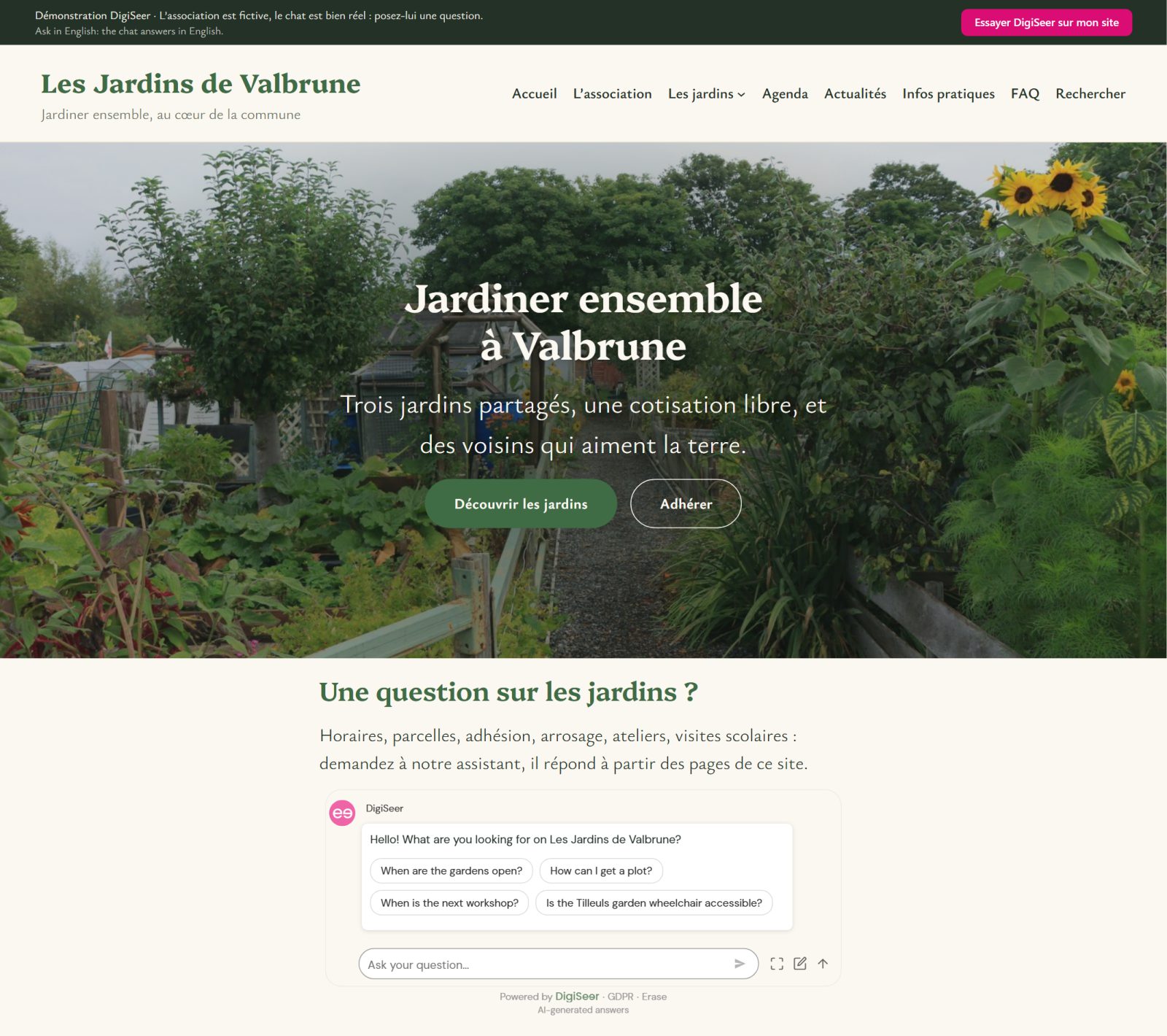
The DigiSeer chat is right here, on this page.
Ask it your question, in your own words.
It answers from our pages, and shows its sources.
On your site, it will answer the same way, from your pages.
Step 2
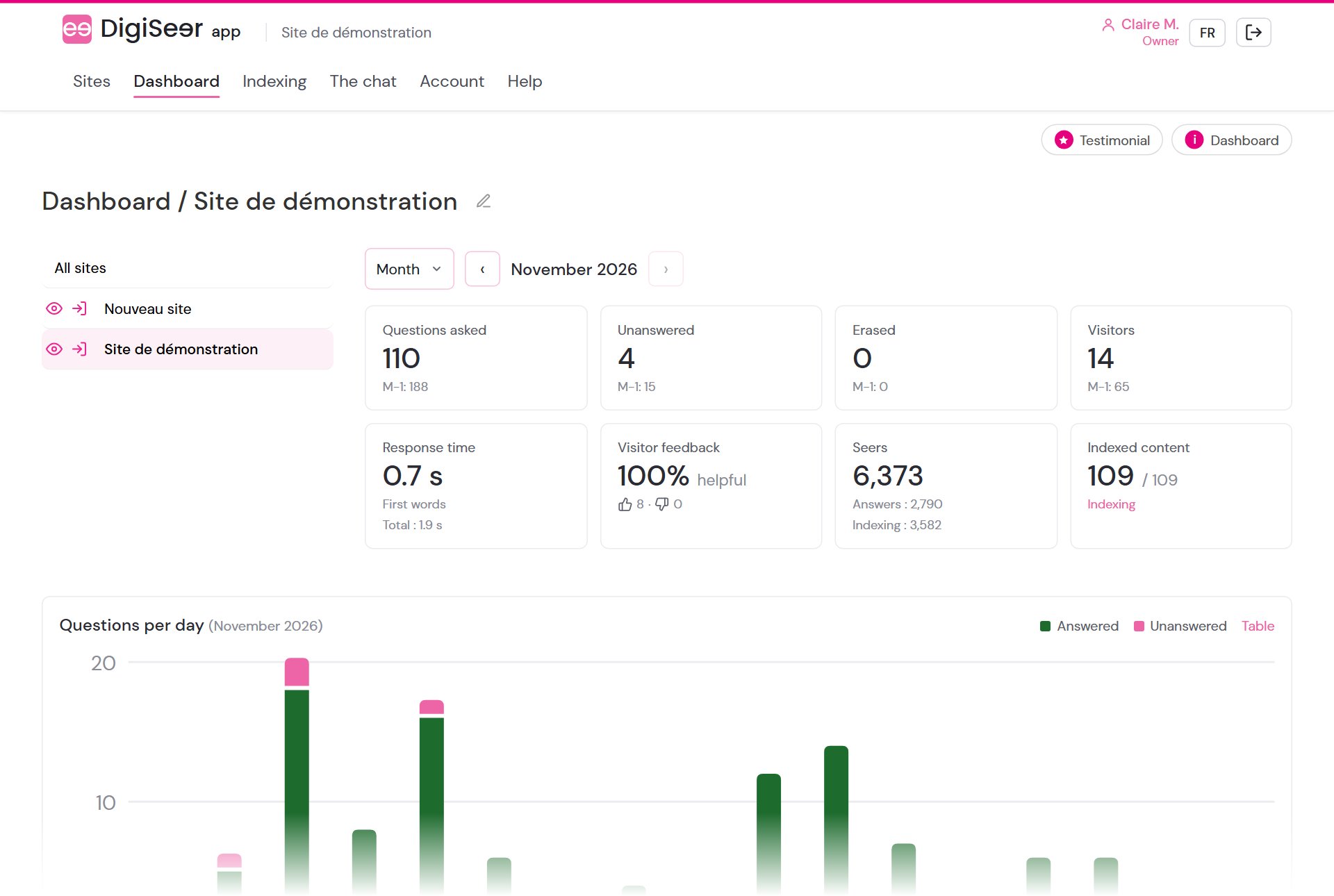
Explore the DigiSeer app
The DigiSeer app is where you set up and follow your chat.
Explore it on a demo site, as if it were your own.
Visitor questions, statistics, content, the look of the chat: it is all there.
The demo site has 24 pages: on yours, with 24 pages or 2,000, the chat works the same way.
How it works
- Look at the demo site: demo.digiseer.app.
- On the Explore the DigiSeer app page, request your access: your DigiSeer account is created at the same time.
- Explore the DigiSeer app: your access arrives by email, valid for 7 days.
Step 3
Install it on your site, for free
Create your DigiSeer account, then install the DigiSeer plugin on your WordPress site.
Your site is connected in a few steps.
Your pages are read, and the chat answers your visitors.
The free plan lets you start right away.
Step by step: Getting started.