Help

Documentation

Everything to install DigiSeer on your WordPress site, set it up and follow what your visitors ask.

New to DigiSeer? Start with getting started: five steps, a few minutes.

Ask your question

The DigiSeer chat answers from the documentation and the pages of the site, with the sources it read.

The app’s screens

Click a screenshot to see it in full, or on “Learn more” for the help page.
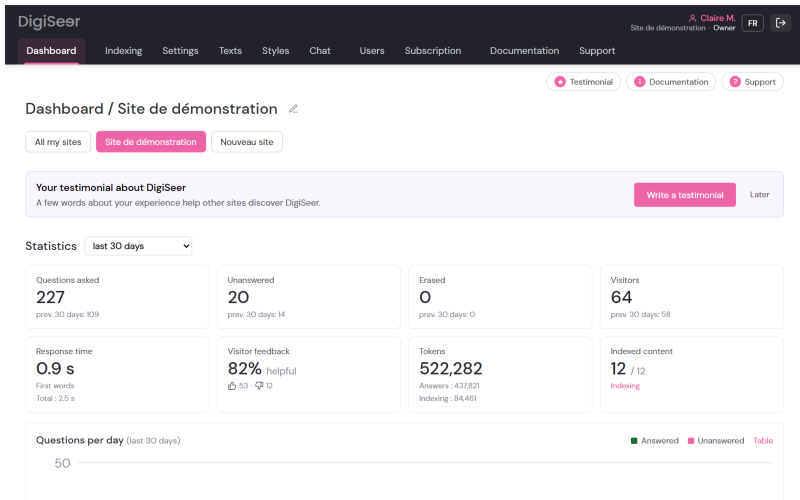
Admin › Dashboard
Admin › Dashboard

Dashboard

Questions, answers, feedback and usage over 30 days.

Learn more

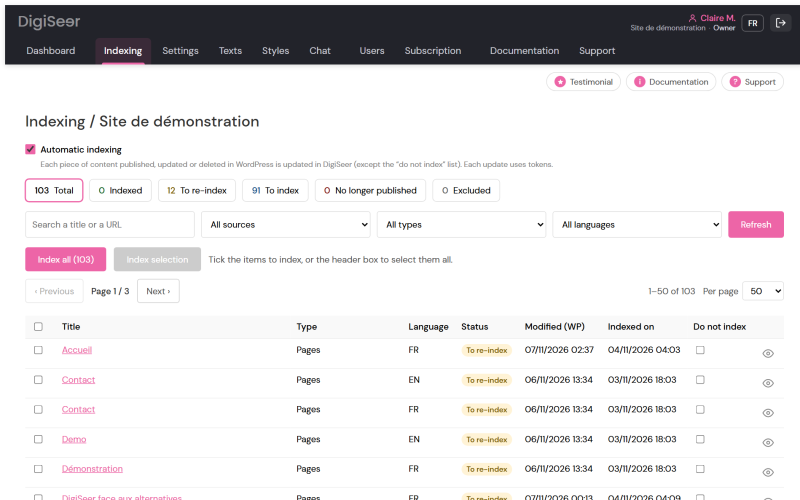
Admin › Indexing
Admin › Indexing

Indexing

Your pages and posts, their status and automatic updates.

Learn more

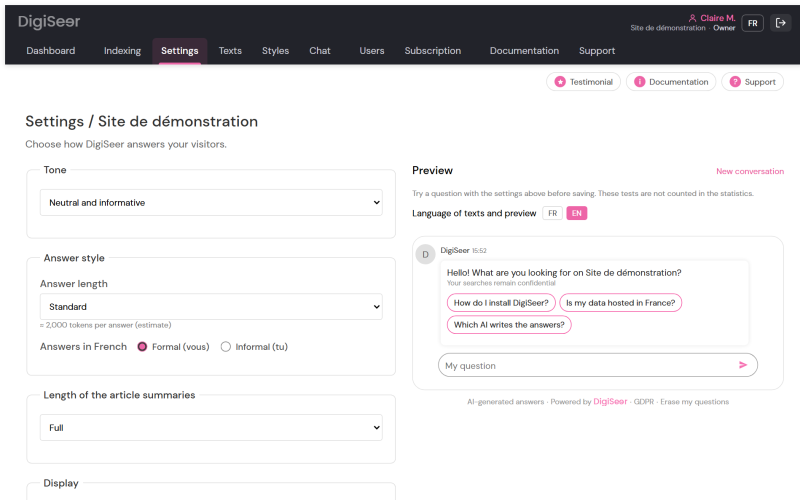
Admin › Settings
Admin › Settings

Settings

Tone, instructions and welcome, with a test chat.

Learn more

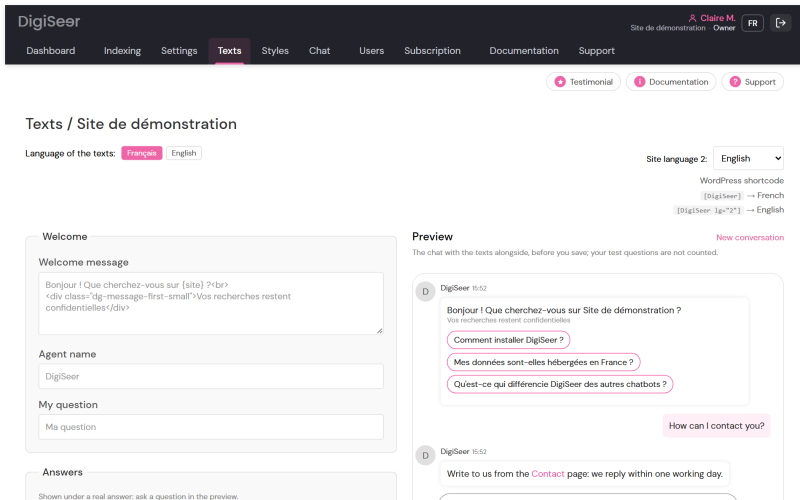
Admin › Texts
Admin › Texts

Texts

Every chat text, editable in both your languages.

Learn more

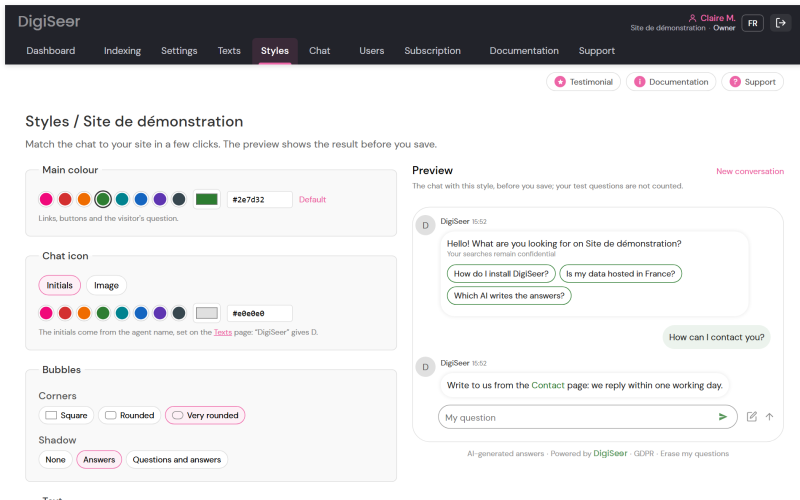
Admin › Styles
Admin › Styles

Styles

Colours, shapes and fonts, with a live preview.

Learn more

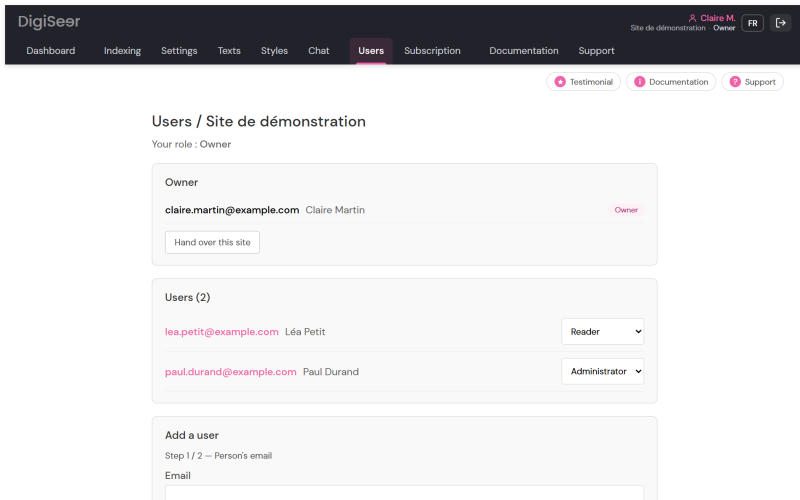
Admin › Members
Admin › Members

Members

Your team or agency, each with their own role.

Learn more

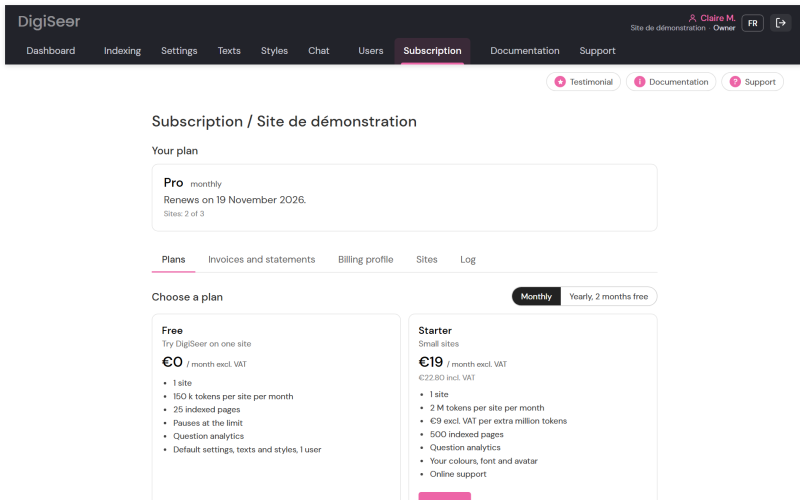
Admin › Subscription

Subscription

Plan, usage and invoices; cancel in one click.

Learn more

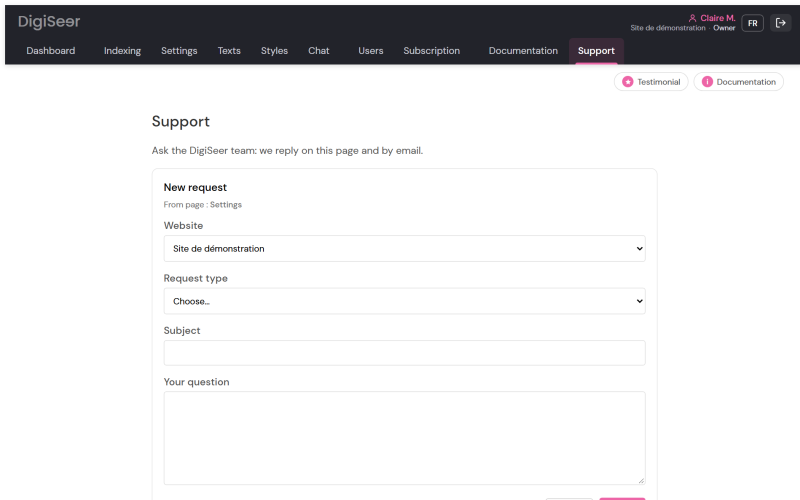
Admin › Support
Admin › Support

Support

Write to us from the app and follow your requests.

Learn more

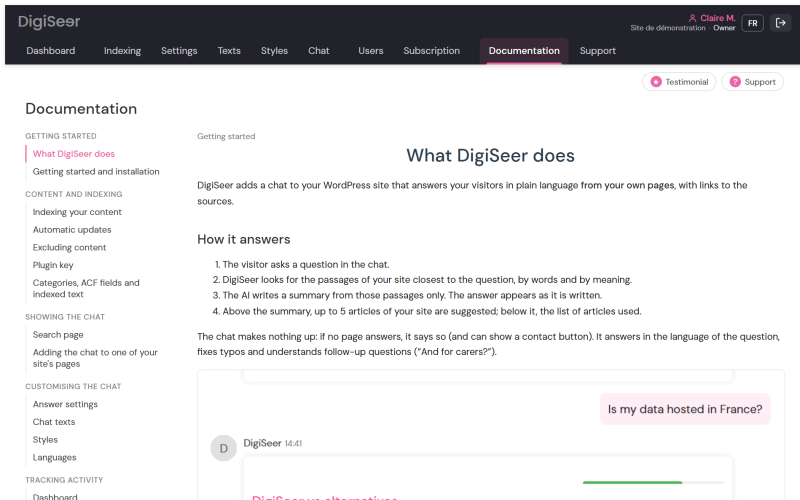
Admin › Documentation

Documentation

All the help, with a chat that answers your questions.

Learn more

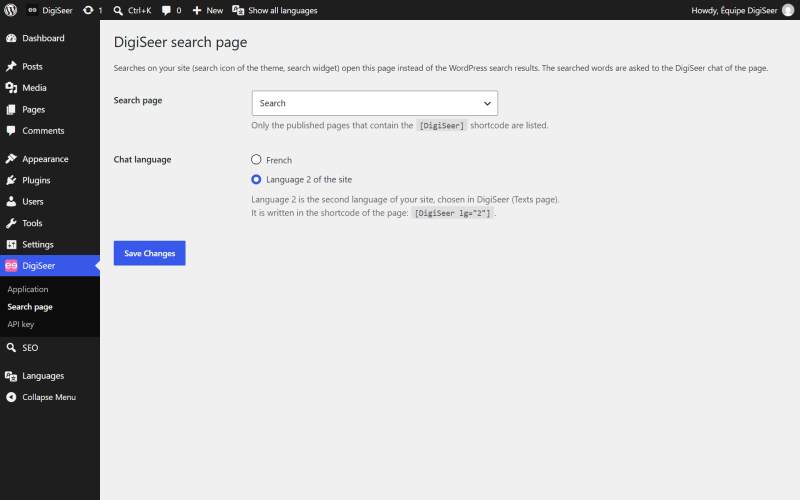
Admin › WordPress plugin

WordPress plugin

Search page and plugin key, right in WordPress.

Learn more

Data and security: security and privacy · data processing agreement · sub-processors